GBWhatsApp QR code issues have been a common problem for many users when it comes to linking devices. The problem of not showing or scanning the QR code has become more frequent in recent updates, making it confusing for new and old users alike. When users attempt to link their accounts or log in from another device, the QR code screen may remain blank or get stuck on the loading page.
Sometimes, the code may appear but fail to scan repeatedly. This problem is normally caused by technical limitations, internet connectivity, or app permission issues, rather than a single bug. Knowing the actual causes of this problem will help users quickly apply the correct solutions.
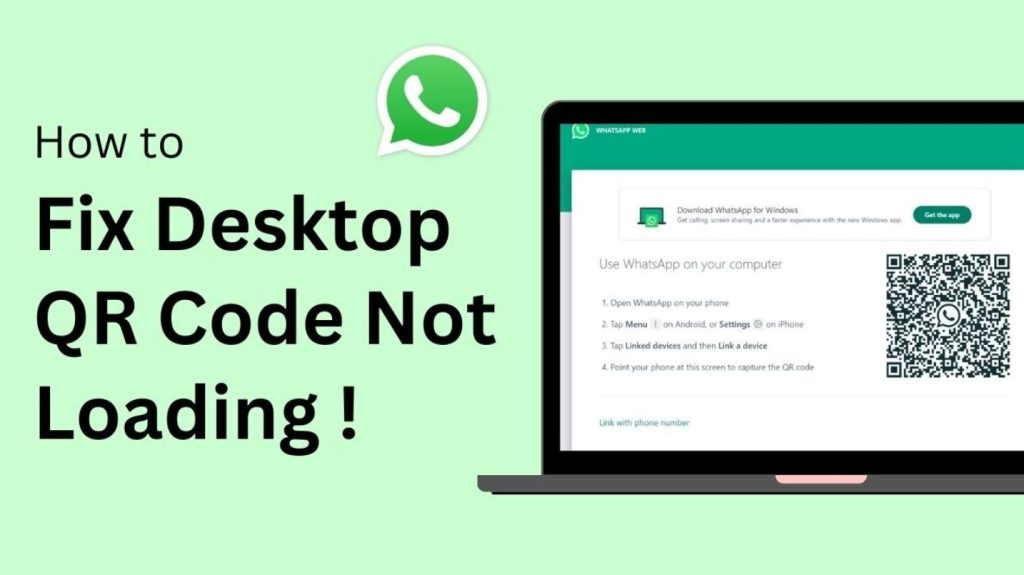
Why QR Code Problems Occur in GBWhatsApp
One of the primary reasons for this problem is that GBWhatsApp is not an official app. As it is a third-party app, it does not always remain updated with the latest login features or security policies set by the official messaging service. If the official service changes its linking process or QR code verification process, third-party apps may not function properly anymore.
Another reason is the use of an unstable internet connection. If the device is connected to a weak WiFi or slow mobile data, the QR code may fail to load completely. The VPN or proxy service used in the network can also hinder communication with the server that creates the QR code.
Permissions can also be a major factor. If the camera permission is turned off, scanning will not be possible even if the code is displayed. Similarly, if the app version is outdated or files are corrupted, there may be compatibility issues that will not allow the linking process to complete successfully.
Basic Fixes to Solve QR Code Problems Quickly
- The first thing is to check the internet connection. Ensure that the phone is connected to a stable and fast internet connection. Avoid using public WiFi as it may block essential server requests. If a VPN or proxy service is running, turn it off and restart the app before trying again.
- Another critical process is the updating of GBWhatsApp. The developers of the application always come up with new updates to ensure that the application is free from bugs and compatible with the device. If you are using an outdated version of the application, download the latest update and install it. Once you are done with the update process, restart your device to remove temporary files.
- If the QR code is visible but fails to scan, navigate to the settings of your device and ensure that the camera permission is allowed. Clean the camera lens and make the screen display the QR code brighter. This will help the scanning process to be accurate and error-free.
Advanced Troubleshooting for Persistent Problems
Some people may still experience problems even after following the basic troubleshooting procedures. In this case, log out of all the devices that you previously linked to the main account. Sometimes, old and inactive sessions may hinder new connections. By removing these sessions, you will be able to create a new QR code request.
Another critical procedure is the clearing of the application cache. Sometimes, the temporary files may become corrupted, and this may affect the QR code scanning features. Go to device settings and look for the app storage setting where you can clear cache data. Once this is done, open the app again and try to link it once more.
If the issue persists, you can try reinstalling the app. Before doing this, it is always important to create a local backup of your chats and media. This is because, in most cases, backups are stored on the device and not in the cloud. Failure to do this may lead to permanent data loss.
When the QR Code Problem Cannot Be Fixed
There may be times when the issue at hand has nothing to do with your phone or internet connection. Sometimes, messaging platforms may limit the login or linking functionality of altered apps. In such cases, the QR code may not load regardless of the actions taken. In such cases, there is no solution to the problem until a new update is rolled out by the developers.
If this is not an option, some people may opt to use the default messaging app on the device until the issue is resolved. However, it is always important to create a backup of your data before making any changes. However, it is always important to back up your data before implementing any changes. This ensures that your messages are restored after reinstalling the application, ensuring that critical messages are not lost.
Tips to Prevent Future QR Code Issues in GBWhatsApp
The most effective way to ensure that future issues are avoided is to keep the application updated. This should always be done by downloading from trusted sources and avoiding outdated versions of the application. It is also important to ensure that a stable internet connection is maintained whenever you try to link devices or scan QR codes. It is also important to check the application permissions and ensure that the camera is functioning properly.
It is also important to avoid making too many changes or using unofficial plugins, which may affect the normal functioning of the application. It is also important to perform simple maintenance tasks such as clearing the cache periodically and restarting the device to ensure that the application is running properly.
Final Words
QR code issues in GBWhatsApp can be very annoying, but they are also very common. Most of these problems are a result of using outdated versions of the application, poor internet connectivity, or limitations imposed on such apps. By ensuring that your internet connection is in order, updating the app, and verifying the permissions, you can resolve the issue in a matter of minutes. If the above solutions do not work, it is probably a temporary issue and not a problem with the device.
Leave a Reply